
· 2 min read
I started this blog in January on Hugo, with the PaperMod theme. Really cool tool. But since then I wanted a bit more control, and a few interactive pages under my domain.
what I want:
- markdown first, with each post’s images inside the same folder (simple)
- static files, no React or Vue (for a blog, even plain HTML could be enough)
- one push to deploy, on Cloudflare or anywhere else
so I moved it to Astro.
why Astro?
I value simplicity more and more when it comes to the things I host.
I was using Next.js a lot, and I went down their SSR route. But Vercel (the company behind Next.js) often changes their ways. For example, the App Router replaced getStaticPaths with generateStaticParams and often I get dependabots alerts about random CVEs (boring when you self host under your own vps).
I want something so dumb that I can forget about it and throw it on Cloudflare.
under Astro, posts are markdown files in folders, like in Hugo. i can just edit them with vim & do a git push
Also tbh it was very easy to migrate 😅
markdown all the way
Each post moved from content/posts/ to src/content/blog/. It’s still one folder with an index.md and its images:
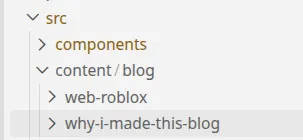
content
The homepage is an .astro file. The part between the --- lines runs once, at build time:
---
import Base from "../layouts/Base.astro";
import PostList from "../components/PostList.astro";
import { getPosts } from "../lib/posts";

const posts = await getPosts(); // runs at build time
---

<Base title="iercan">
  <p>writing about computer science, backend, infra, linux, and webgames. it's as boring as it sounds :)</p>
  <PostList posts={posts} />
</Base>
So what comes out is plain HTML. Out of 287 pages, exactly one ships JavaScript: the ThinkPad table, for its search and sorting
Everything else works with JavaScript turned off
adding RSS
RSS lets you follow a blog from an app (an RSS reader) instead of visiting the site. I’ve started using it to follow random blogs.
But a lot of feeds only show a one-line summary. So this blog’s feed (/rss.xml) has the full posts, images included. Astro renders each post to HTML at build time, the same way it renders the pages, starting from its RSS guide.
build and deploy
pnpm run build writes one HTML file per page into dist/:
$ pnpm run build
 generating static routes
22:55:13   ├─ /404.html (+24ms)
22:55:13   ├─ /posts/astro-now/index.html (+5ms)
22:55:13   ├─ /posts/thinkpads/index.html (+25ms)
22:55:14   ├─ /posts/web-roblox/index.html (+8ms)
...
22:55:14 [build] 287 page(s) built in 1.80s
Here’s the homepage it writes:
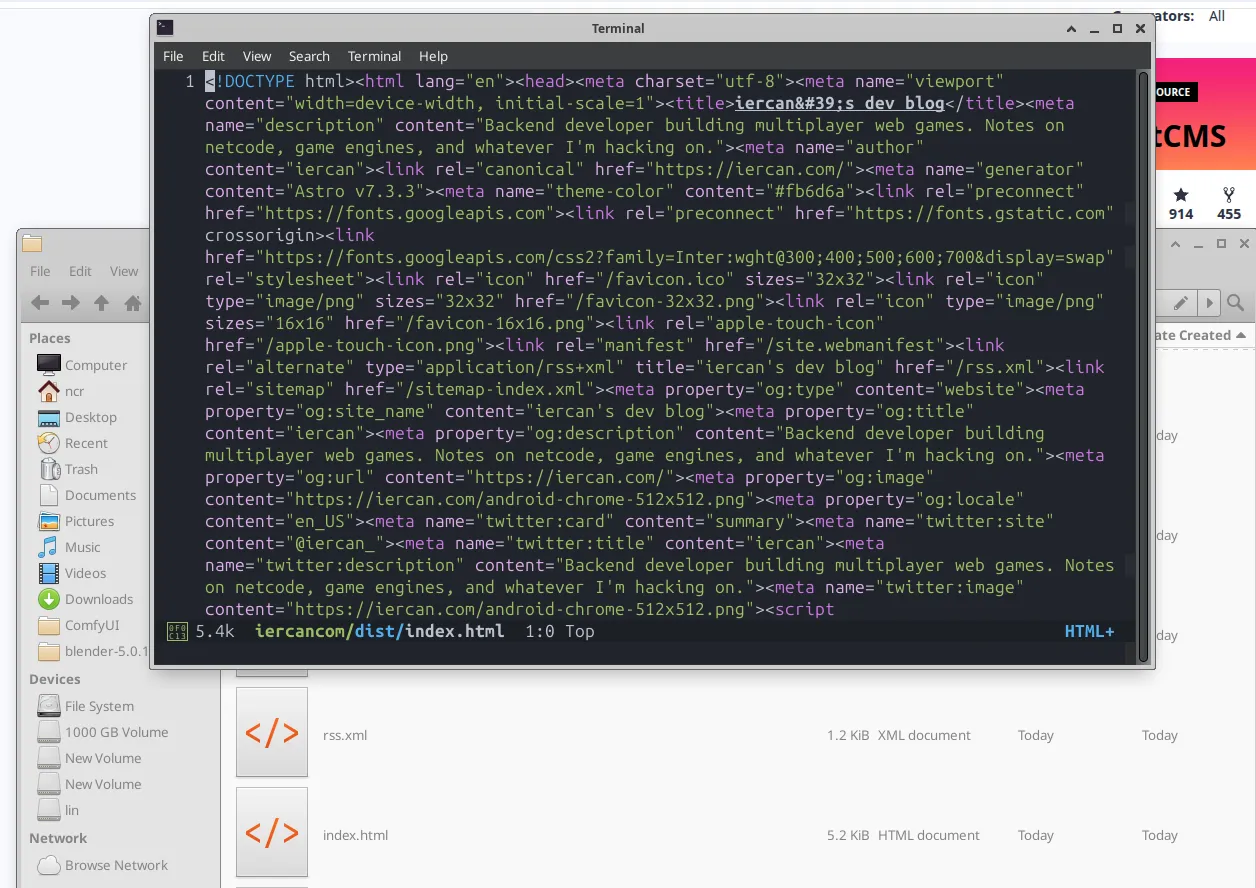
problem: the first deploy failed
Cloudflare has an Astro preset:
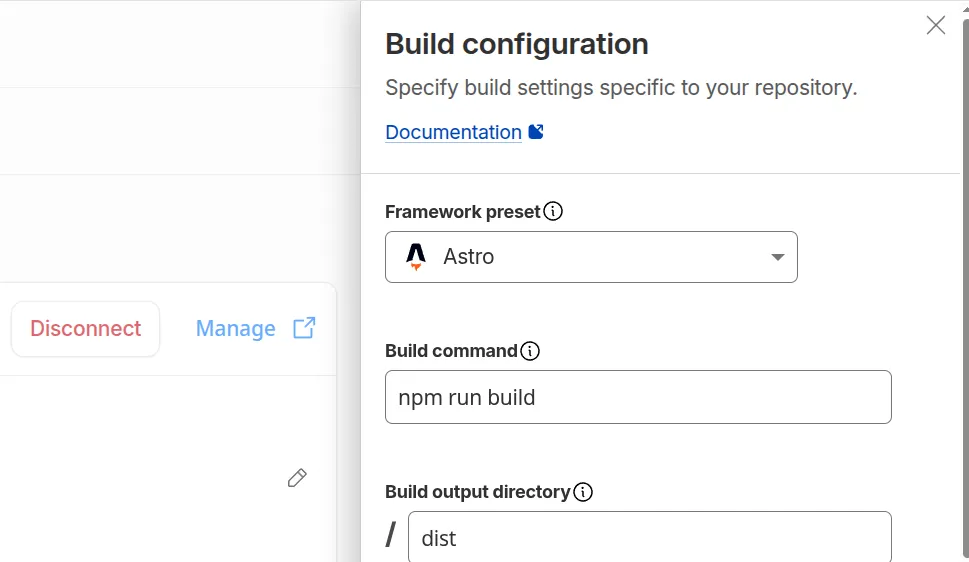
But the first build failed with ERR_PNPM_OUTDATED_LOCKFILE. My pnpm-lock.yaml still listed packages I had removed from package.json, and Cloudflare installs with a frozen lockfile.
The fix was three small changes:
- sync
pnpm-lock.yamlwithpackage.json - pin Node 22 in a
.node-versionfile - delete a leftover
package-lock.json(4,897 lines!)
that’s all!
source astro.build