
· 3 min read
I’ve been messing with servers for a while: random VPSes for my own projects, and more and more cloud deployments at work. It went step by step: plain Linux and nginx, then Docker (mostly on hetzner), then cloud providers like AWS, Azure. Turns out I kinda like that type of work, why not have a little setup at home to play with
the hardware
Many years ago I wanted to buy Raspberry Pis, but nowadays they’re way too expensive… still good pieces of hardware though.
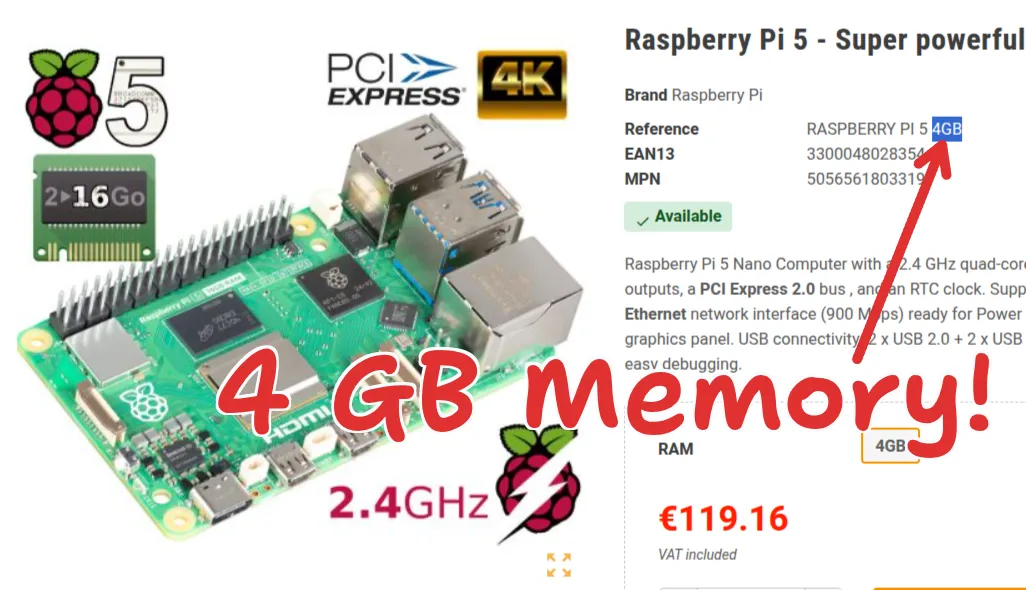 4 GB of memory for €120 (without delivery).
So I bought 2 “mini PCs” instead (I think the M700 isn’t really a mini PC?):
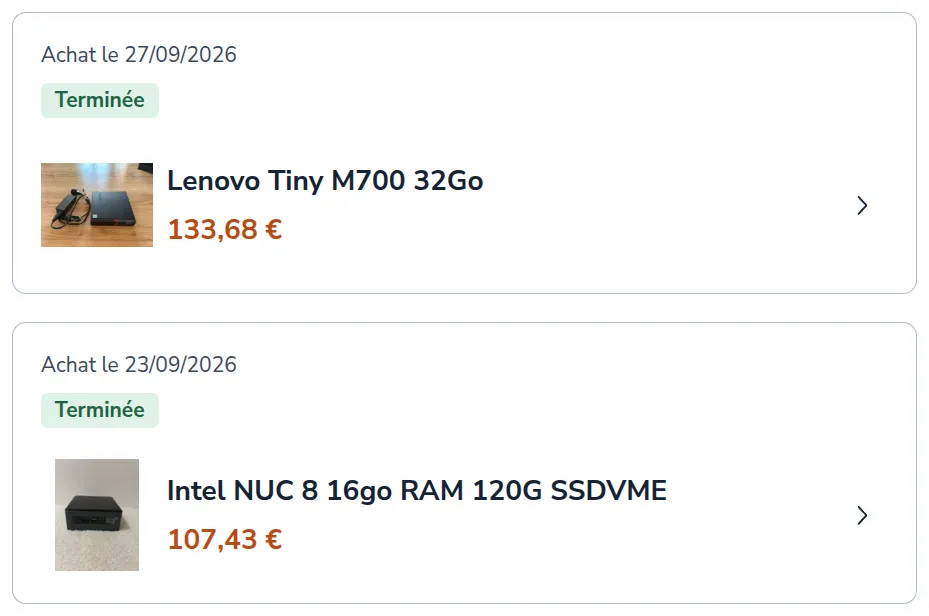
| Intel NUC 8 | Lenovo ThinkCentre M700 Tiny | |
|---|---|---|
| Price | €107 | €133 |
| CPU | i5-8365U | i5-6500T |
| RAM | 16 GB DDR4 | 32 GB DDR4 |
| Storage | 120 GB SATA SSD | 512 GB SATA SSD |
I didn’t plan on buying 2 pieces of hardware, but when I saw the amount of DDR4 RAM the M700 comes with, it was insane value
so here they are:
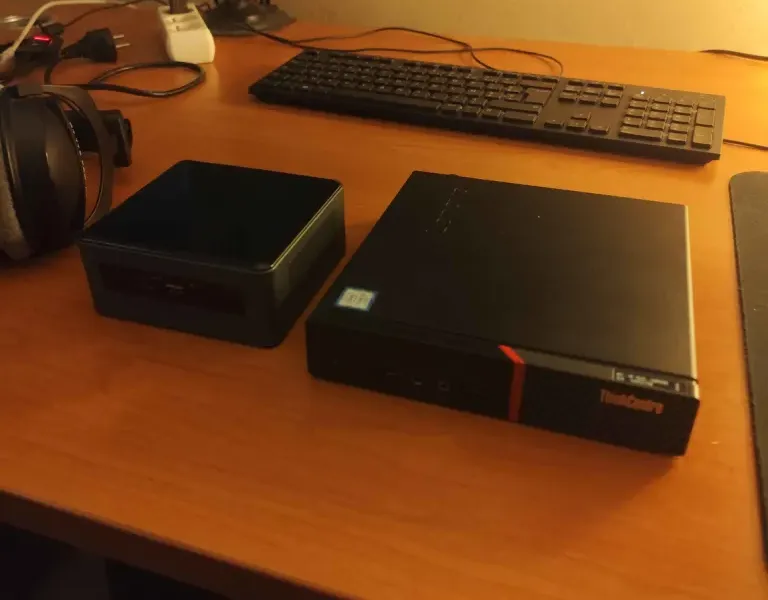
The CPU of the NUC 8 is better. One mistake: I thought the CPU would be very important for a homelab (Proxmox), but usually your stuff runs at a low % CPU when idle. What’s more important is the RAM (how many VMs and containers you can run) and the storage.
opening them up
opening the NUC 8:
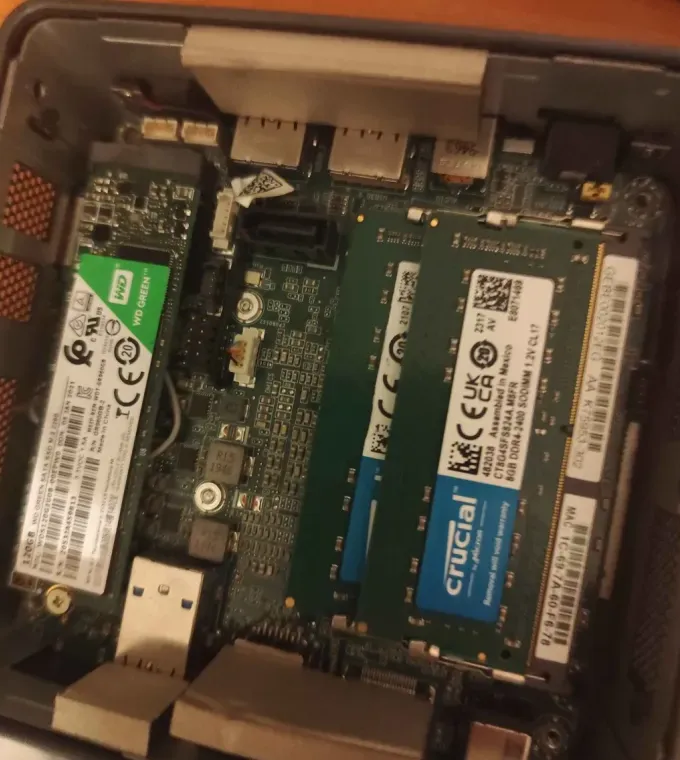 I thought it was an NVMe drive at first but nop, it’s just the form factor. it’s SATA
opening the M700:
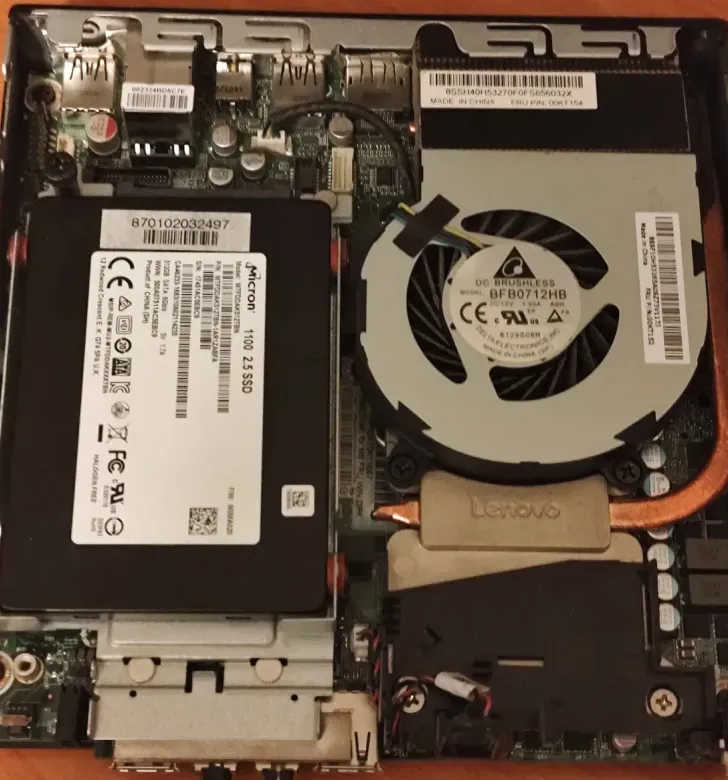 a 512 GB SATA SSD (I’ll add it to the NUC 8), and under there is the RAM!
RAM swap. I’ll only use the NUC 8 for now since it has the better CPU:
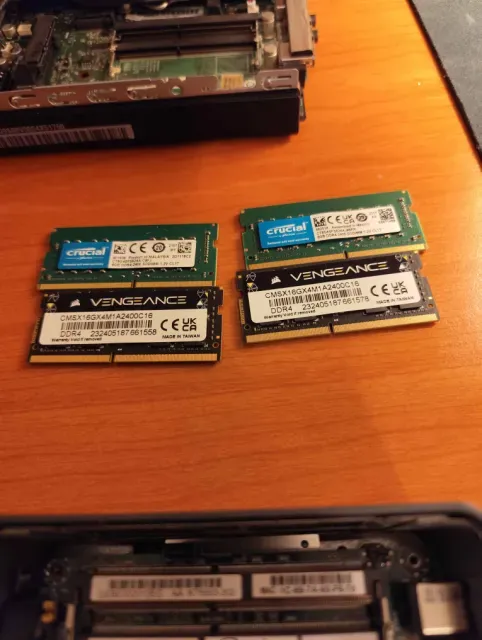 out: 2× 8 GB Crucial. in: 2× 16 GB Corsair Vengeance.
very loud fan
First thing to test was flashing the latest Ubuntu on the NUC 8… and it felt like I got the loudest PC ever. This is very common on the NUC 8 apparently. There are 2 problems:
- the fan is low quality (here’s a short about it)
- the BIOS is faulty and the fan control doesn’t work, so it should be updated to the latest version. common problem (reddit thread), you just need to update the BIOS.
So I had to do both: replace the fan, and update the BIOS.
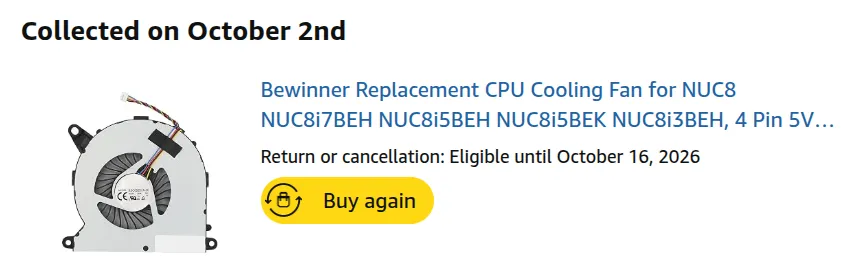 mine is the NUC8i5BEH (Intel NUC gen 8, i5).
and now everything is ok. good temperatures too!
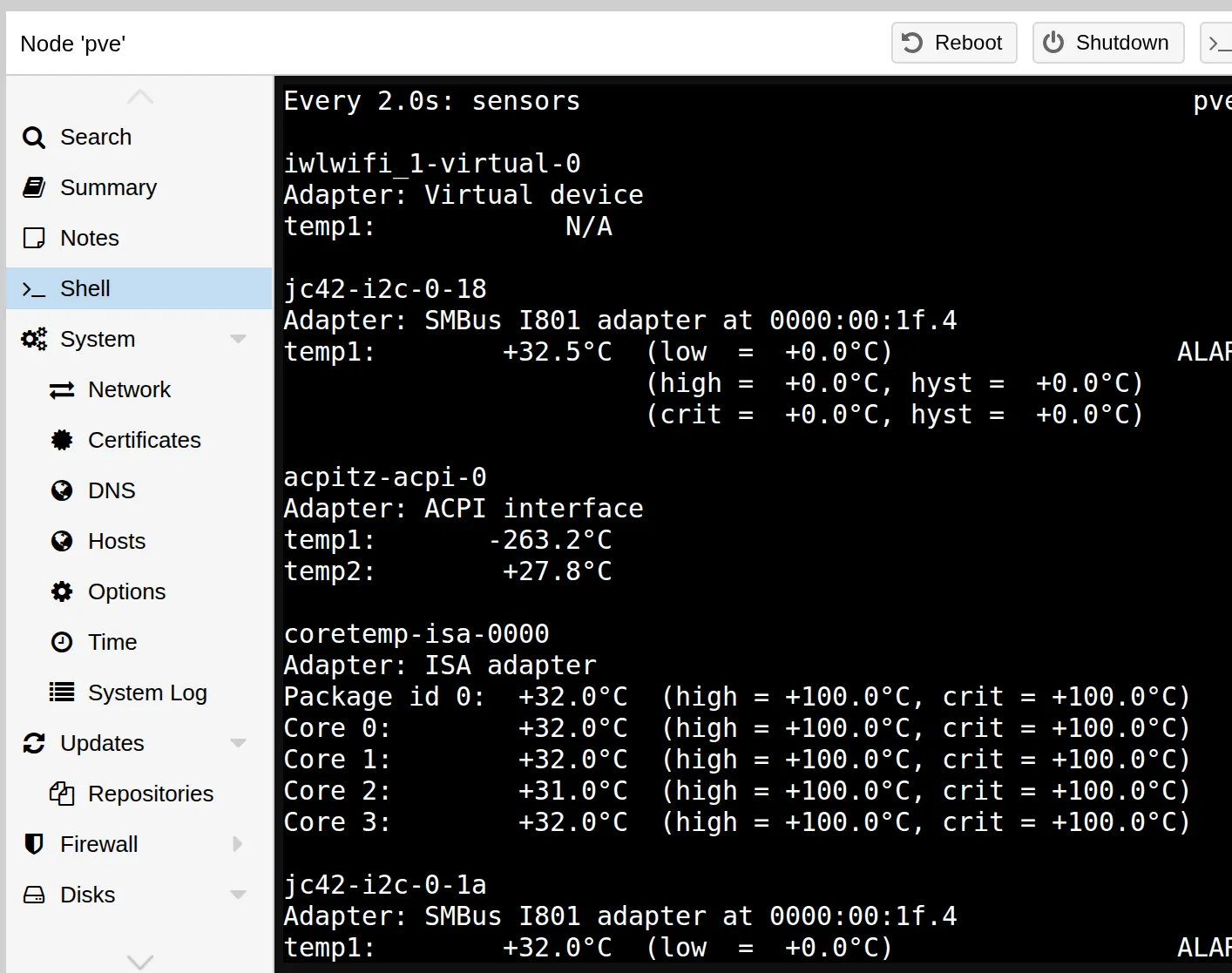
proxmox
let’s learn Proxmox! :)
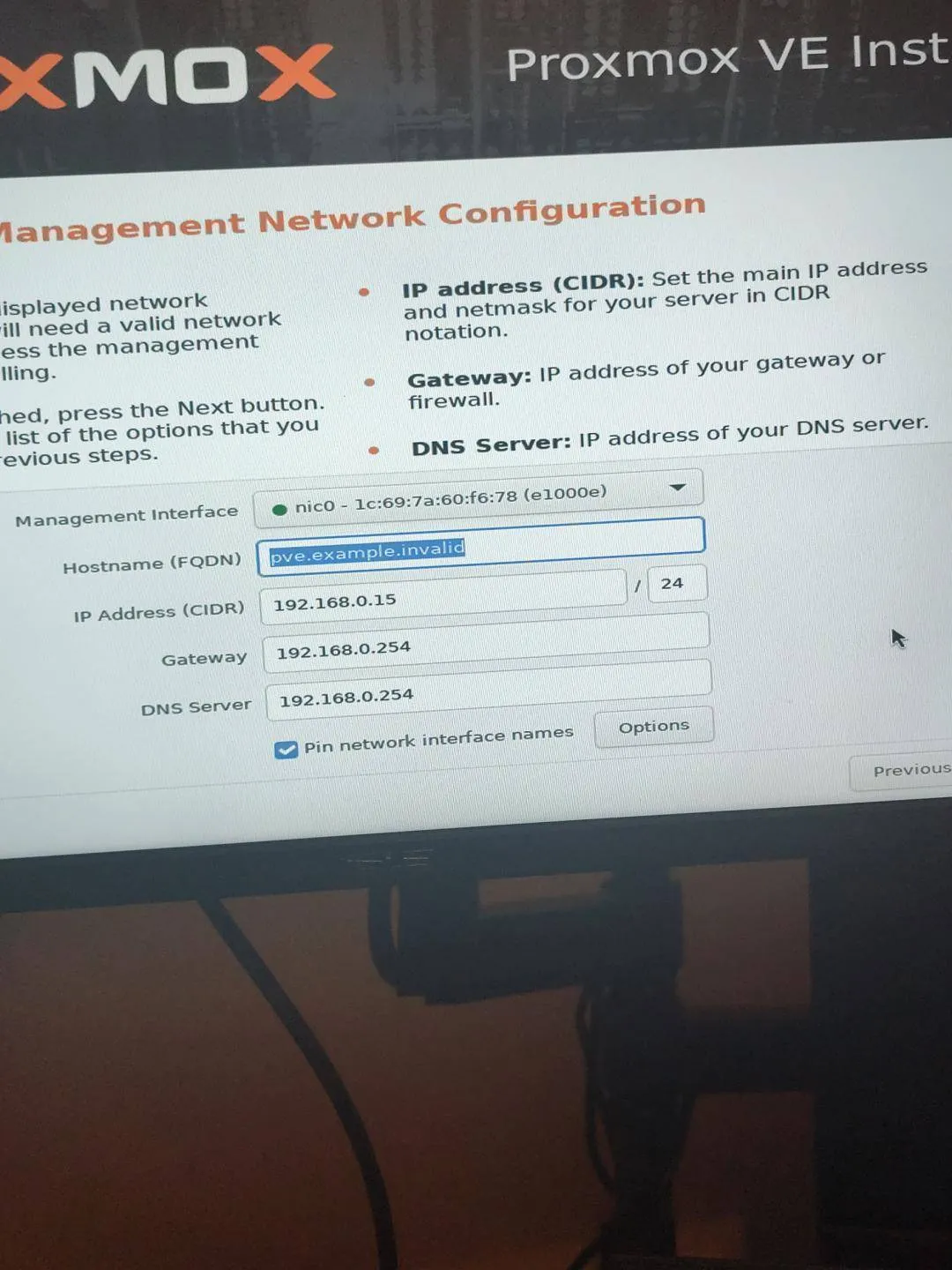
everything works:
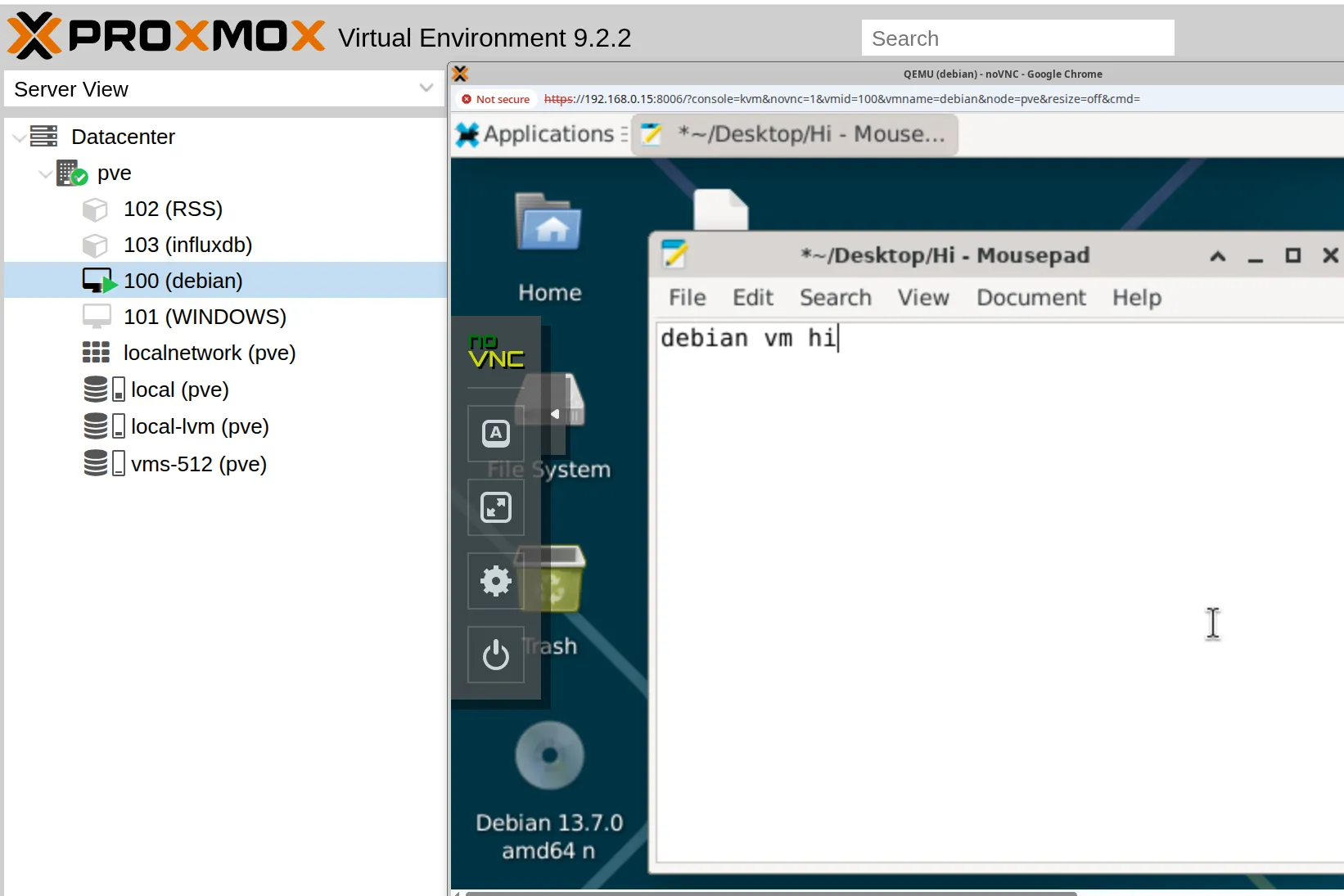
btw to avoid the no subscription pop-up and be able to “apt update” you can paste a community script.

bash -c "$(curl -fsSL https://raw.githubusercontent.com/community-scripts/ProxmoxVE/main/tools/pve/post-pve-install.sh)"next up: I wanna test the Proxmox Terraform provider, learn more about k8s on real hardware, try out random software, and maybe self-host an RSS reader…